Video Conferencing Basics
The basics of video conferencing. What is it? How does it work? How can I look like an expert without actually learning about all of the advanced features? We've got your answers.

What is Video Conferencing?
Video conferencing means to conduct a conference between two or more participants at different sites by using computer networks to transmit audio and video data. For example, a point-to-point (two-person) video conferencing system works much like a video telephone. Each participant has a video camera, microphone, and speakers mounted on his or her computer. As the two participants speak to one another, their voices are carried over the network and delivered to the other's speakers, and whatever images appear in front of the video camera appear in a window on the other participant's monitor.
Multipoint videoconferencing allows three or more participants to sit in a virtual conference room and communicate as if they were sitting right next to each other.
Multipoint videoconferencing allows three or more participants to sit in a virtual conference room and communicate as if they were sitting right next to each other.
First Time Video Conferencing
The first time using Video Conferencing software can be a trying experience if you've never used it before. However, we're here to walk you through your initial download, run, and video/audio set up. Once the initial set up is complete, it really is as simple as clicking a link and being placed into the awaiting video conference call! Our technology specialists are ready to walk you through each step on the phone, but if you're ready to try it on your own, here is a helpful video to get you started.
Appear From Your iPhone or iPad
A helpful tutorial about using Zoom on your iPhone or iPad. If the video is a little much, there is also a helpful step-by-step guide supplied by Apple at this link. Apple products make it easy to sign onto Zoom for the first time, there are no hoops to jump through and no security to change, and you can do things like choose filters, resize lens, pan, zoom in and out, and adjust the manification (to avoid having things too small on the screen of a phone). iPhones and iPads are helpful tools to use for video conferencing and Apple goes out of their way to make it easy for their users.
Appear From Your Android Device
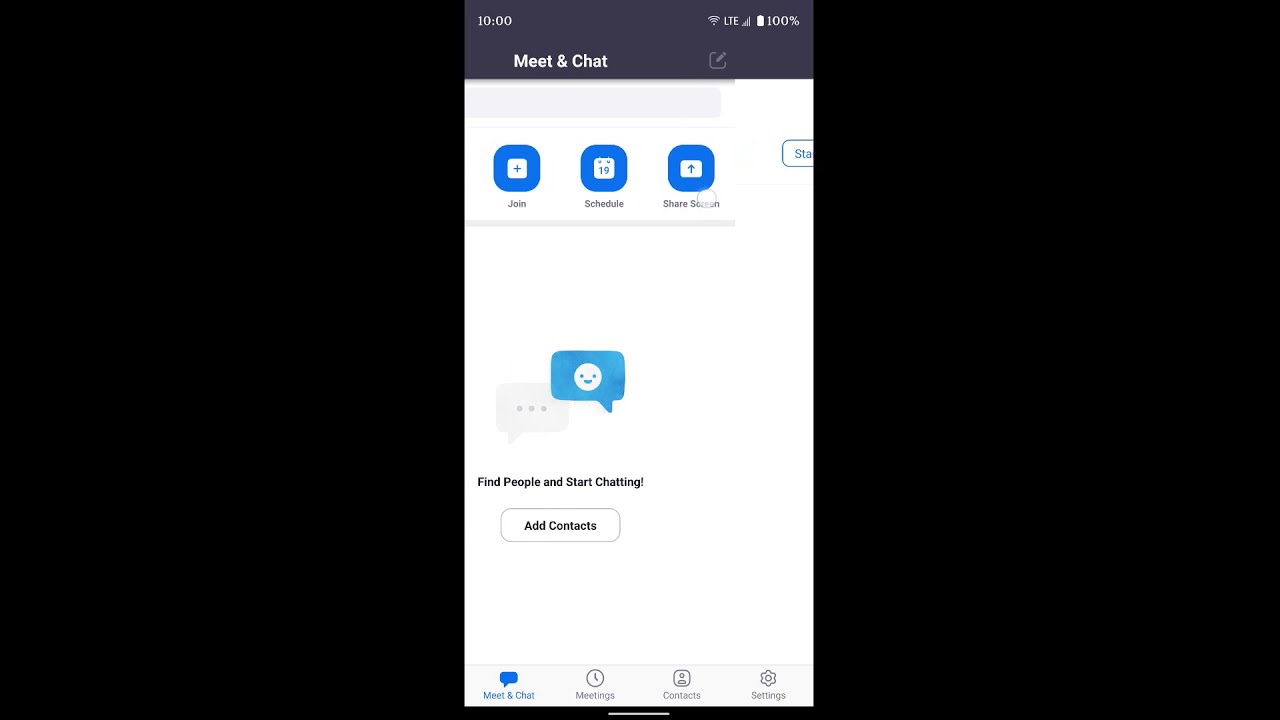
Android phones have a bit more meat to them when it comes to security and often times the user has to change the settings on the phone before they are allowed to download new apps from sources not Google Play. They do this in order to protect the user from accidentally downloading harmful programs that could deposit viruses or other malware onto their phone or tablet. Following this step-by-step video will help you with the initial set-up, and each time after that it will simply be clicking a link that takes you into your meetings.